Top Ways to Avoid Phishing Scams
December 1, 2021
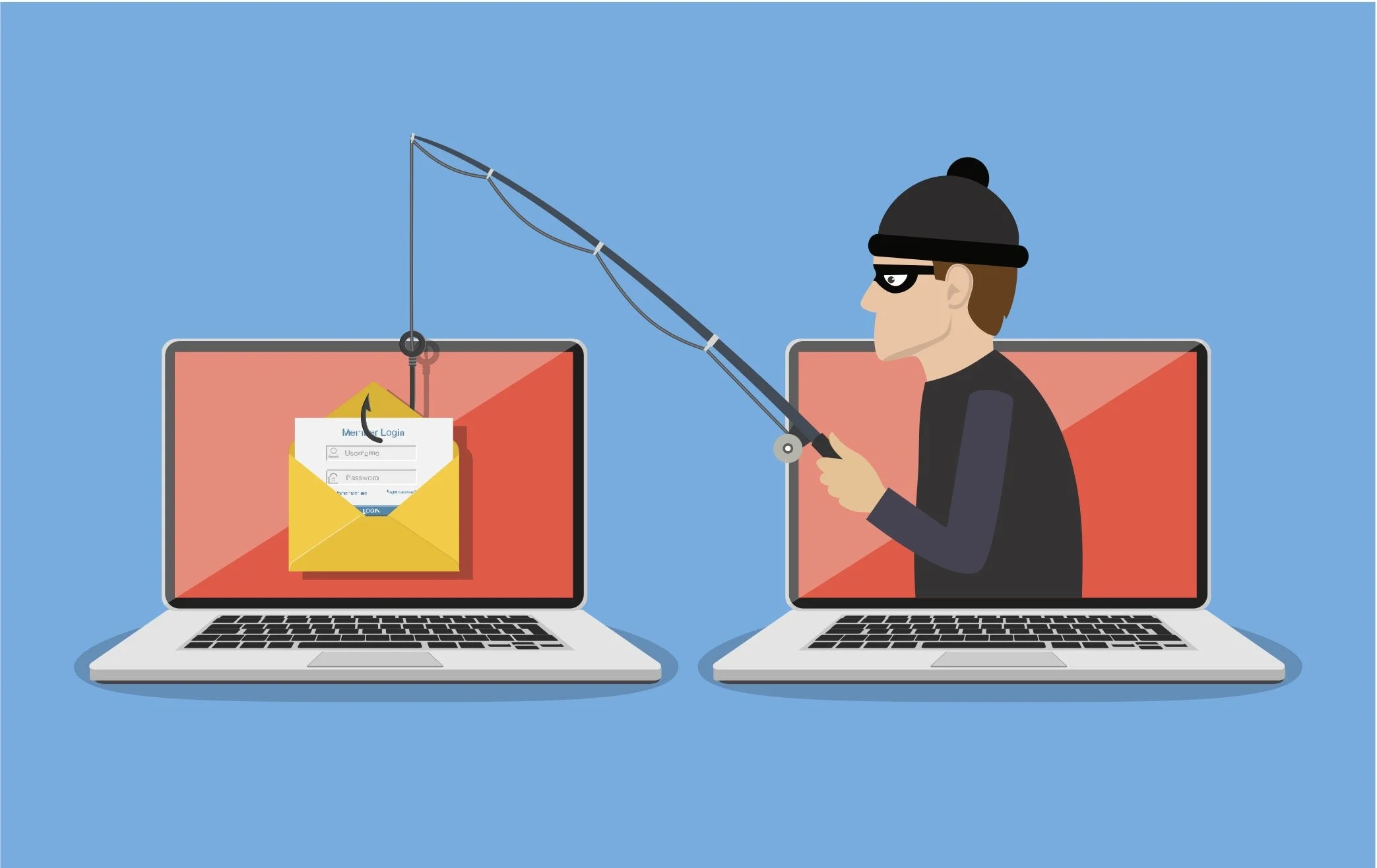
What is phishing?
Phishing is a kind of social engineering attack aimed at stealing user data such as login credentials and credit card numbers. The attackers appearing to represent a trusted entity trick a victim into opening an email, instant message, or text message containing a dangerous link. Do you know how to protect yourself from this type of scam?
Learn what a phishing scam looks like
New methods are being constantly developed, but they have some features in common that make them recognizable. Security awareness training is essential.
Don’t click on the link
Instead, open a new browser page and type the URL of the site. Quite often the scam links are very similar to the trusted ones, with only a few letters changed. If possible, do not open suspicious emails at all and delete them immediately. If you constantly receive lots of fraudulent messages to your inbox, you may consider reporting it.
Block pop-ups
They are not only annoying, but also pose a potential threat as they are often linked to malware. Don’t ever put any personal information there. Installing an ad-blocker is a good idea. If a suspicious pop-up it through the blocker, don’t be tempted to click on them. They will occasionally try to deceive you with the location of the “Close” button, so be careful and look for the “x” in one of the corners.
Get anti-phishing add-ons
Most modern browsers enable you to download free add-ons that identify malware and notify you about known phishing sites. Don’t forget about regular updates of your operating system and browser software. It improves the filters and protects you from the newest ideas of the attackers.
Rotate your passwords
If you use online accounts, don’t forget to rotate your password regularly. This way you prevent the attackers from gaining unlimited access to the sensitive data.
Enable malware protection and don’t ignore warnings
Malware protection detects virtual threats and keeps it away from you. Accept only trusted certificates on webpages and take browser warnings seriously.